
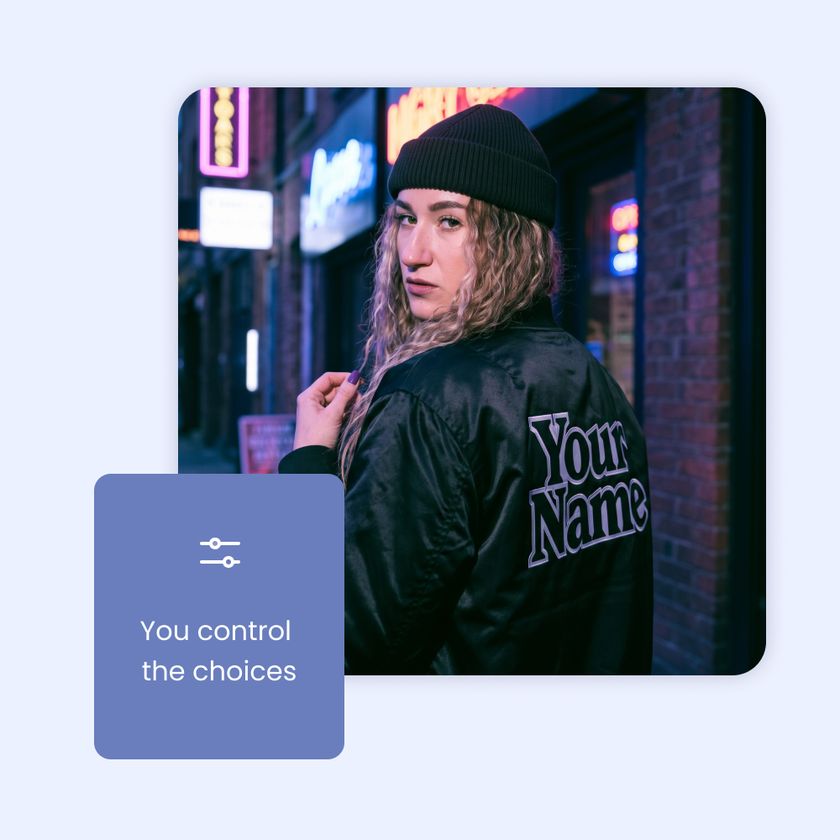
Type it, pick it, or sign it
Every dynamic element you add to a template becomes one question for your guests, and you can mix as many as the design needs. A single line text field lets guests type a short answer, like their name, a nickname or a jersey number, and it shows up on the template in the font you choose. A text multi-select gives them a short list of options to pick from, so every answer is spelled the same way all night.
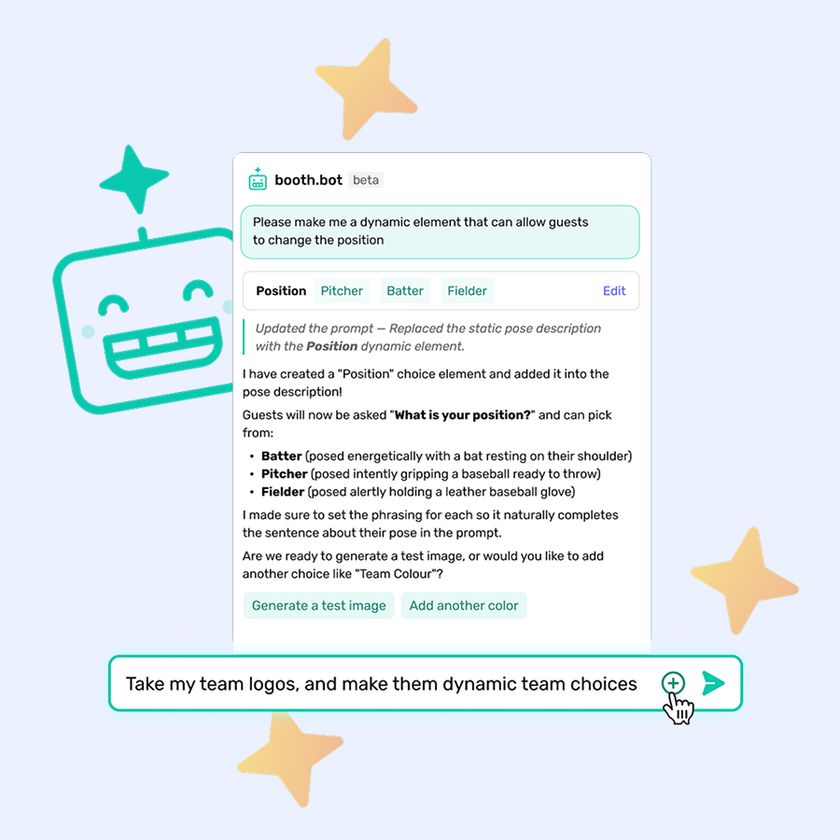
Image multi-select works the same way, except each option is an image with a label. Guests pick a team logo, a badge or another graphic, and that image drops into the template. With signatures, available starting with version 1.57.0, guests sign right on the iPad with a finger, a stylus or an Apple Pencil, and you control how the signature looks from the template editor.
Ask once, see it live
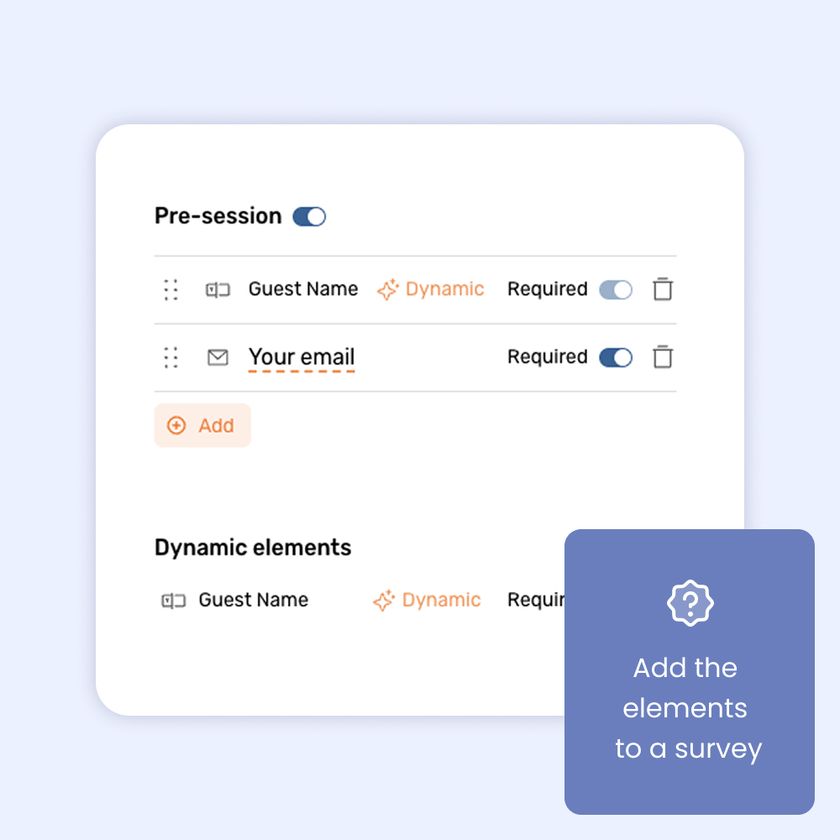
Once you assign a template to an event, its dynamic elements show up as options in your survey. Add them to the pre-session survey and guests only answer each question once. Their answers carry straight into the template, and you can collect a consent checkbox on the same screen.
Before the photo, guests see their answers on the template over a live camera feed. They can still edit anything that came over from the survey, so a guest who doesn't want their full name on the photo can change it right there.
Every answer in your CSV
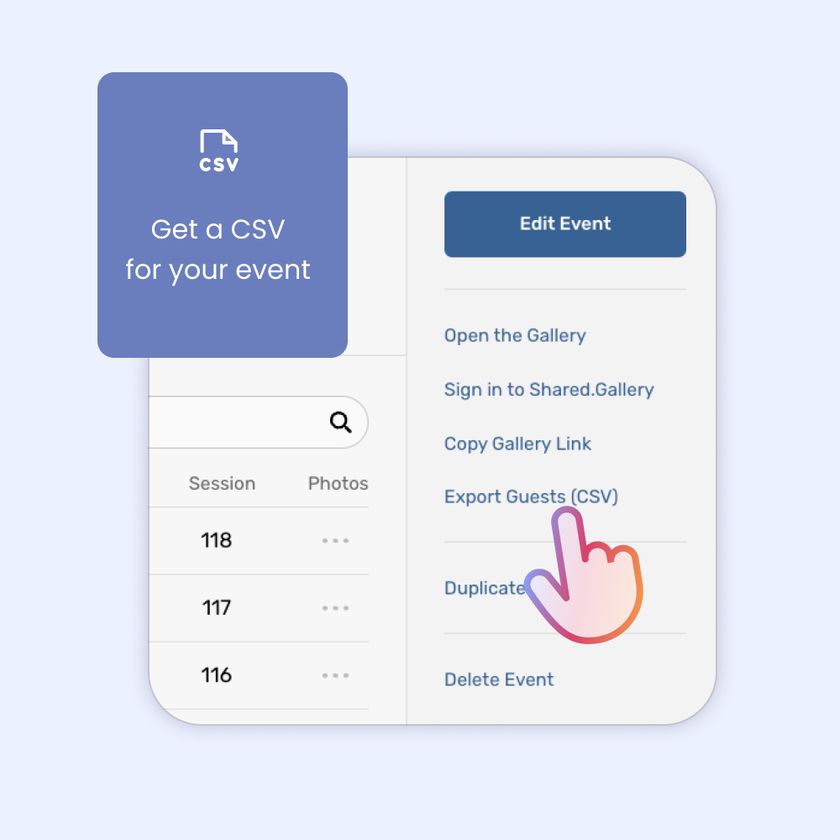
Each dynamic element has a data label, which becomes its column name in the CSV you download after the event. Name it "name," "team" or whatever fits, and every guest's answer lines up in its own column. That gives you a clean list to hand your client along with the gallery.
Set it up in a few minutes
In the template editor, add a dynamic element and fill in three fields. The guest label is the question guests see on the iPad. The data label is the column name in your CSV. The preview is the placeholder you design around. Drag the element into place, set your font in the configuration panel, then assign the template to an event and add the element to your survey.
A few habits save you a redo the night before the event. Build your AI prompts first, then your template, then your survey, so you can reuse elements and guests are only asked once. For image options, keep every image the same aspect ratio, because the first option sets the size of the layer and every other option is fit inside that box. Then click the layer and use its dropdown to preview each choice on your design. Whichever option you leave selected becomes the default guests see first.
Something new to put on your next proposal
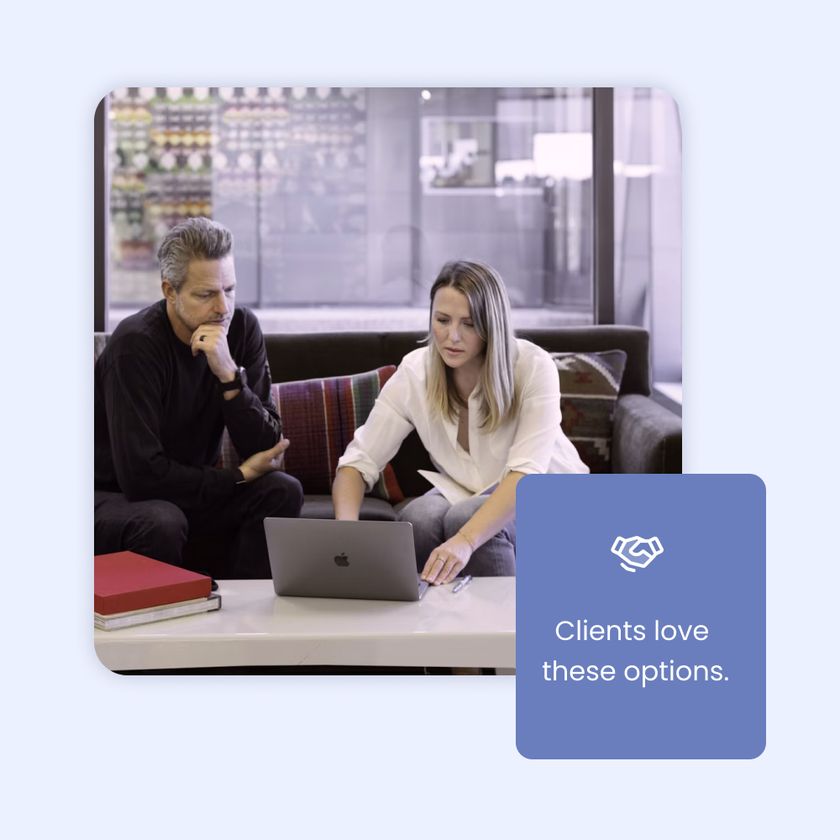
A photo with the guest's own name on it is an easy add-on to pitch. Trading cards are a natural fit for banquets, tournaments, team parties and sports-themed bar and bat mitzvahs, with the guest's name, position, team logo and signature on a card layout. Corporate kickoffs and team-building days work well with a "pick your side" setup, where guests choose their department, region or team from a set of images. For weddings and milestone parties, guests can sign their photo and add their name, so the hosts end up with a guest book that has a face next to every signature.
Which plans include dynamic elements?
You need the Pro or Pro+ plan to create them.
Can I use more than one dynamic element on a template?
Yes. You can combine them, like a name field and a team pick on the same trading card.
What if a guest doesn't want their full name on the photo?
They can edit any answer on the template screen right before they take the photo, even if it came over from the survey.
Where do the answers go after the event?
Into the CSV you download after the event. Each element gets its own column, named by the data label you gave it.
What do I need for signatures?
Version 1.57.0 or later. Guests sign right on the iPad with a finger, a stylus or an Apple Pencil, so update your iPads before the event.
Booth.Events is perfect for:
Brand Activation
Turn your brand experience into shareable moments that amplify your reach.
Corporate
Transform networking events into memorable experiences your team will (actually) enjoy.
Wedding
Capture the laughs, hugs, and happy tears on the most important day of your life.
Graduation
Honour their achievement with professional photos or capture a cap-toss with a boomerang.
Quinceañera / XV
Create excitement with a fun photo booth at this once-in-a-lifetime celebration.
Fundraiser
Boost engagement at the event while creating shareable moments for your cause.
Tournament
Photo booths create perfect memories for teams and individual competitors.
Birthday
Make their special day even more memorable with fun features everyone will love.
Dinner / Gala
Guests are already dressed to impress making a photo booth the perfect touch.
Festival / Fair
Turn casual attendees into engaged participants with a photo booth experience.
Marathon / Race
Celebrate finishers and create shareable, branded victory moments at the finish line.
Been here from almost the beginning
You 100% can't go wrong with Booth.Events.

Cassie Julia
Cloud Imagery
Join Our Facebook Group
Join the thousands and stay up to date with the latest updates, tip & tricks from industry experts, and share your business.