
USB Printing
Plug your printer into your iPad through a powered USB-C hub and start printing. The print server and laptop can stay home.
Get Started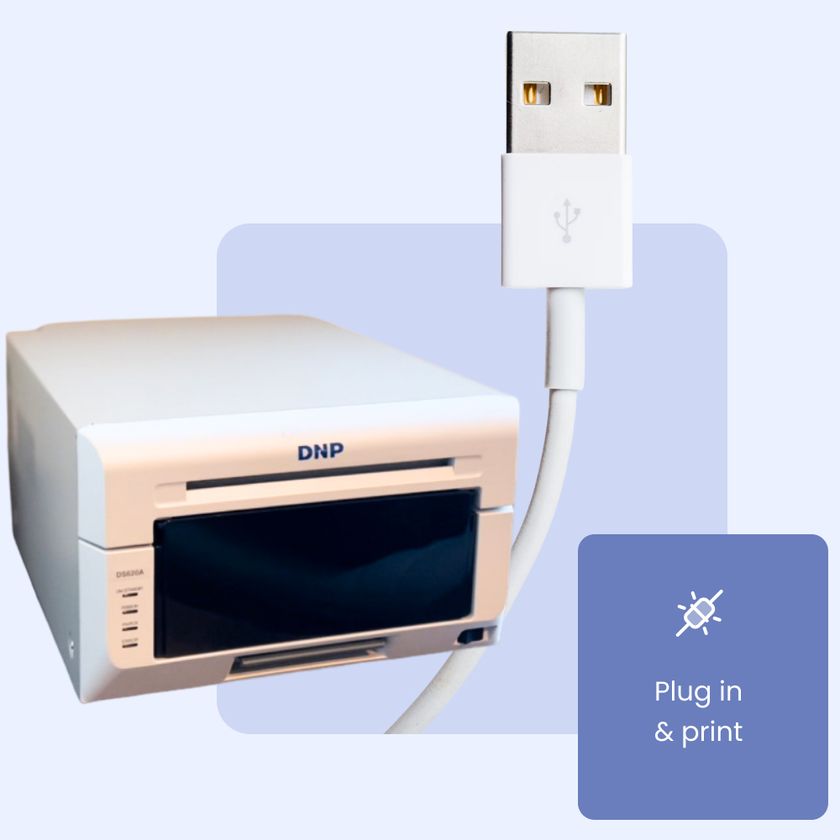
Plug in and print
Your iPad sends prints straight to your printer over USB, through a powered USB-C hub. If you already power your iPad through a hub at events, you're most of the way there.
Setup takes about a minute the first time. Flip one switch in your iPad's Settings, connect the printer, and Booth.Events finds it. If no printers are set up yet, it's added automatically.
Keep the line moving
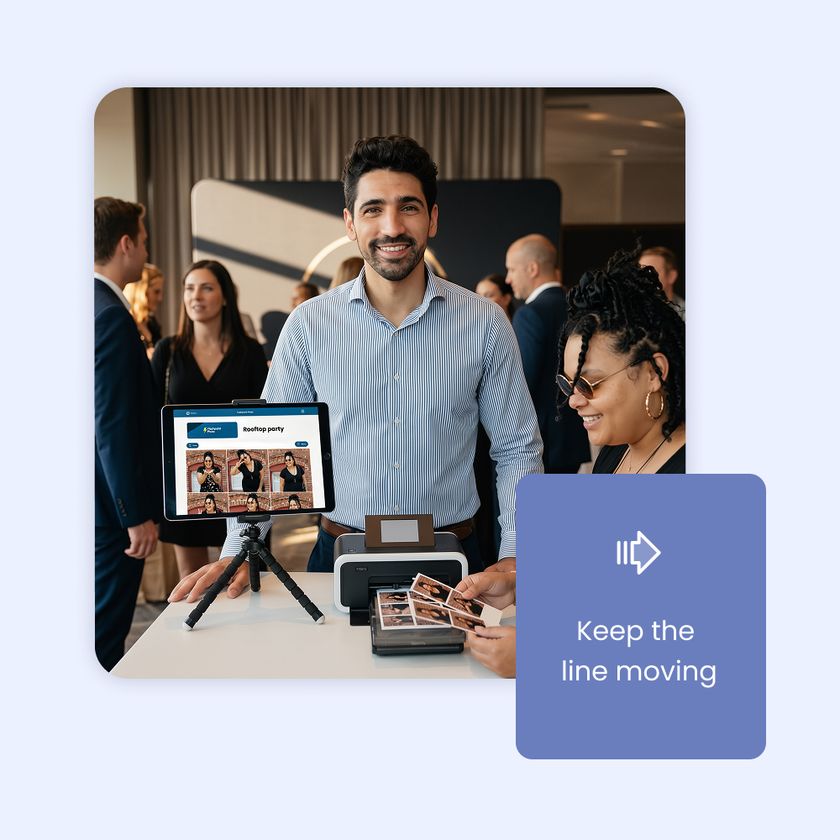
You can even connect more than one printer to the same hub and the print jobs will alternate between them. Every copy from a guest's session comes out of the same printer, so prints never get mixed up.
If a printer runs out of paper or throws an error, the others keep printing. You can reload the paper while the toasts are happening, and Booth.Events picks that printer back up on its own. The line keeps moving, and your guests never know anything happened.
Prints that come out right
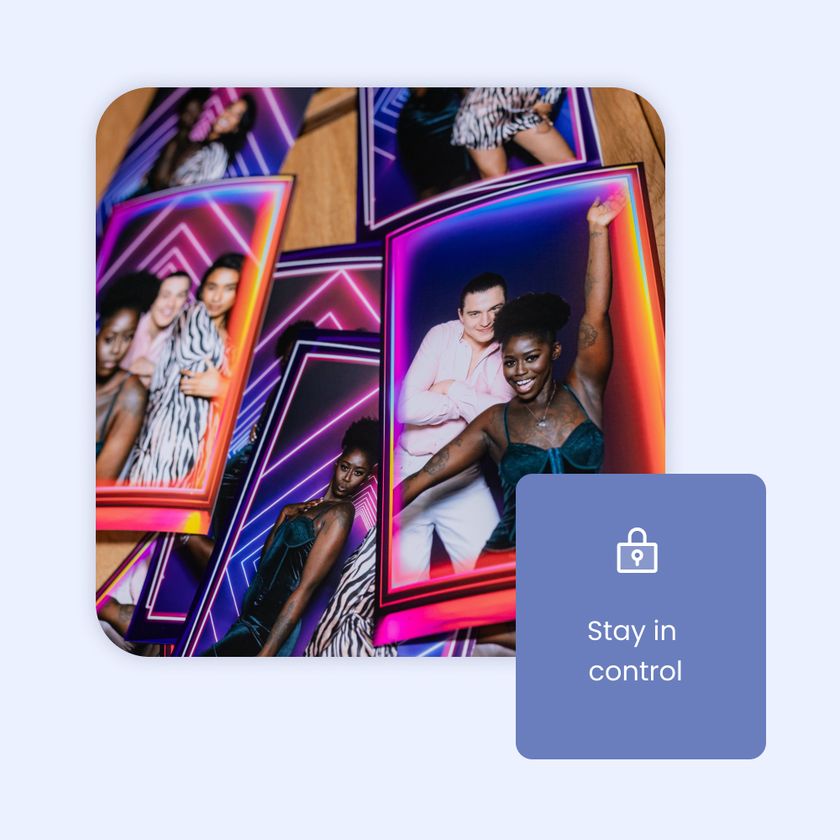
Booth.Events reads the paper loaded in your printer and sets cut and double automatically for each template. A 2x6 strip template gets doubled and cut. A 4x6 prints as it is. Prefer to set it yourself? Switch any template to manual.
The first print on each printer is checked all the way through so any issue shows up right away. Every print after that sends the moment a guest taps print.
Go big with jumbo prints
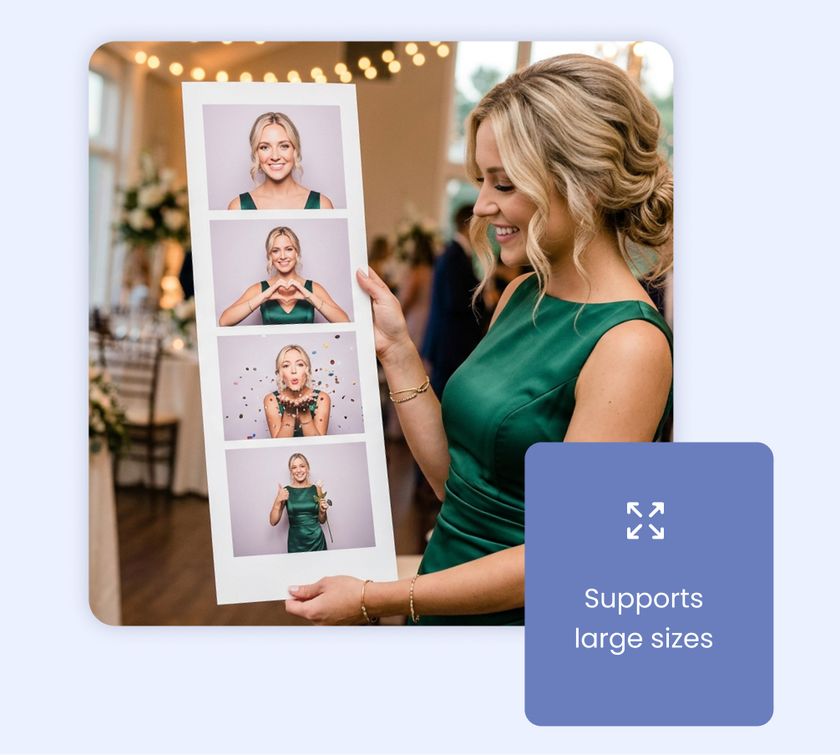
The giant strip is now supported too! It's an easy upsell for your packages. Jumbo prints work over USB on the DNP DS620 and DS820 and the Citizen CX-02 and CX-02W, with nothing extra to set up.
Load the right roll (6x8" on the DS620 or CX-02, 8x10" or 8x12" on the DS820 or CX-02W), build your template with our size presets, and print.
Colours dialed in from the first print
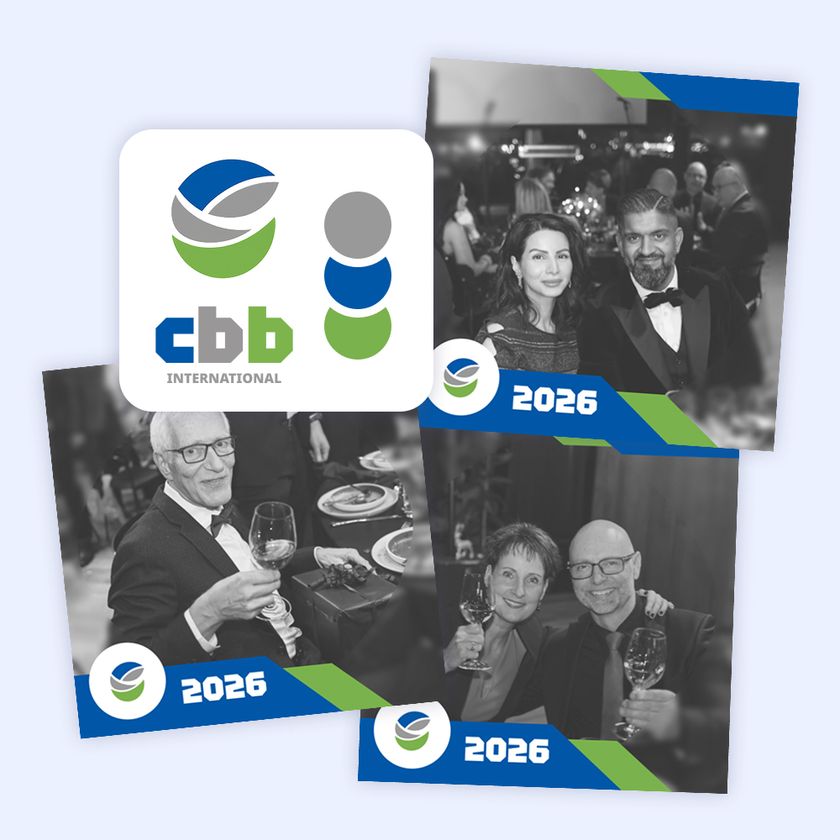
DNP and Citizen color profiles are built in. You can upload your own ICC profiles from the Devices page on your web dashboard, including profiles for specialty paper like metallic, and pick one per printer in the app.
Works on Mac too
Running your booth from a Mac? USB printing works there too with the version of Booth.Events downloaded from our website, on macOS 14.2 or newer. Apple silicon and Intel Macs are both supported.
Why does my iPad need an M-series chip?
Apple only allows USB printer drivers on iPads with an M1 chip or newer. If you don't see the USB Printer Drivers switch in your iPad's Settings, your iPad isn't supported, or the app needs updating to 1.58.0 or later. You can keep printing the way you do now with AirPrint or Print.Events.
Do I need a USB hub?
Yes, a powered USB-C hub with at least a 45W adapter. It keeps your iPad charged through the whole event while the printer is connected. Most operators already run their iPad through a powered hub, so you may already have one.
Can I use more than one printer?
Yes. Connect them to the same hub and add each one in your event. Jobs alternate between printers, and if one stops, the others carry on until it's back.
My printer isn't on the list. Will it work?
We support the models we've tested, and we add more over time. Check the help article for the current list. Until yours is supported, AirPrint and Print.Events still work.
Can I still print jumbo strips?
Yes. Jumbo prints work over USB on the DNP DS620 and DS820 and the Citizen CX-02 and CX-02W, with nothing extra to set up. Load the right roll (6x8" on the DS620 or CX-02, 8x10" or 8x12" on the DS820 or CX-02W) and build your template at the correct size using our presets.
Which plans include direct USB printing?
Direct USB printing is included with all of Booth.Events’ plans.
Do I still need Print.Events or an AirPrint unit?
Not for printers connected over USB. Both are still fully supported if you prefer wireless printing or your iPad isn't supported.
Booth.Events is perfect for:
Brand Activation
Turn your brand experience into shareable moments that amplify your reach.
Corporate
Transform networking events into memorable experiences your team will (actually) enjoy.
Wedding
Capture the laughs, hugs, and happy tears on the most important day of your life.
Graduation
Honour their achievement with professional photos or capture a cap-toss with a boomerang.
Quinceañera / XV
Create excitement with a fun photo booth at this once-in-a-lifetime celebration.
Fundraiser
Boost engagement at the event while creating shareable moments for your cause.
Tournament
Photo booths create perfect memories for teams and individual competitors.
Birthday
Make their special day even more memorable with fun features everyone will love.
Dinner / Gala
Guests are already dressed to impress making a photo booth the perfect touch.
Festival / Fair
Turn casual attendees into engaged participants with a photo booth experience.
Marathon / Race
Celebrate finishers and create shareable, branded victory moments at the finish line.
Just a thank you to Shane and the rest of the team I was able to try the printing usb to iPad tonight and I had zero problems worked great.

Jason Mackenzie
Knight Hawks Entertainment
Join Our Facebook Group
Join the thousands and stay up to date with the latest updates, tip & tricks from industry experts, and share your business.